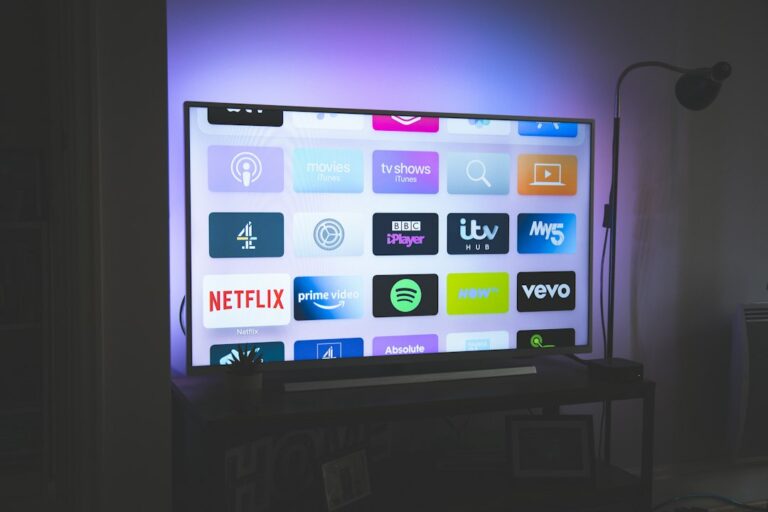
Understand renewal, expiration dates and keeping your existing credentials.
Before you start
Make sure your device is up to date, your internet connection is stable, and you have valid credentials supplied for a service you are authorized to use.
Recommended steps
Install a compatible application from an official source, add your login details without sharing them publicly, then test playback, navigation and the TV guide when available.
If you encounter a problem
Start by restarting the application and your router, check the expiration date of your access, then make sure the information you entered contains no extra spaces or typing errors. If the issue continues, contact support by WhatsApp or email.
Key points
A simple setup, a stable network and correctly entered credentials prevent most common issues. You can also request a service trial before choosing a plan.